
Radio Button Group
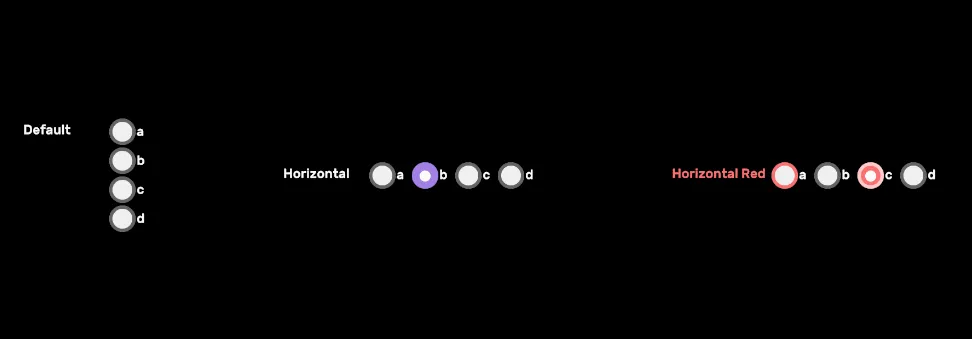
USS-styled variant of the built-in UnityEngine.UIElements.RadioButtonGroup — no custom subclass. Switch between vertical (default) and horizontal layouts via class; tint with a color class.
Setup
html
<engine:RadioButtonGroup choices="a,b,c,d" label="Default" />
<engine:RadioButtonGroup choices="a,b,c,d" label="Horizontal" class="radio-horizontal" />
<engine:RadioButtonGroup choices="a,b,c,d" label="Horizontal Red" class="radio-horizontal red" />
CSS classes
| Class | Effect |
|---|---|
radio-horizontal | Lays the choices out in a row instead of a column. |
{color} | Tints the selected indicator and focus ring. See colors. |
See also
Settings
Theme
Light
Contrast
Material
Dark
Dim
Material Dark
System
Sidebar(Light & Contrast only)
Font Family
DM Sans
Wix
Inclusive Sans
AR One Sans
Direction
Left to RightLTR
Right to LeftRTL