
Circle Hole
CircleHoleElement is a VisualElement that paints a filled rectangle with a circular hole in the middle. Tween Radius from large to zero (or vice versa) to mask in/out the rest of the screen — used by Luna's circle-loading transition (SceneLoadTransitionCircleUI). For the separate SVG-mask transition that works with any shape, not just a circle, see SceneLoadTransitionCircleMask.
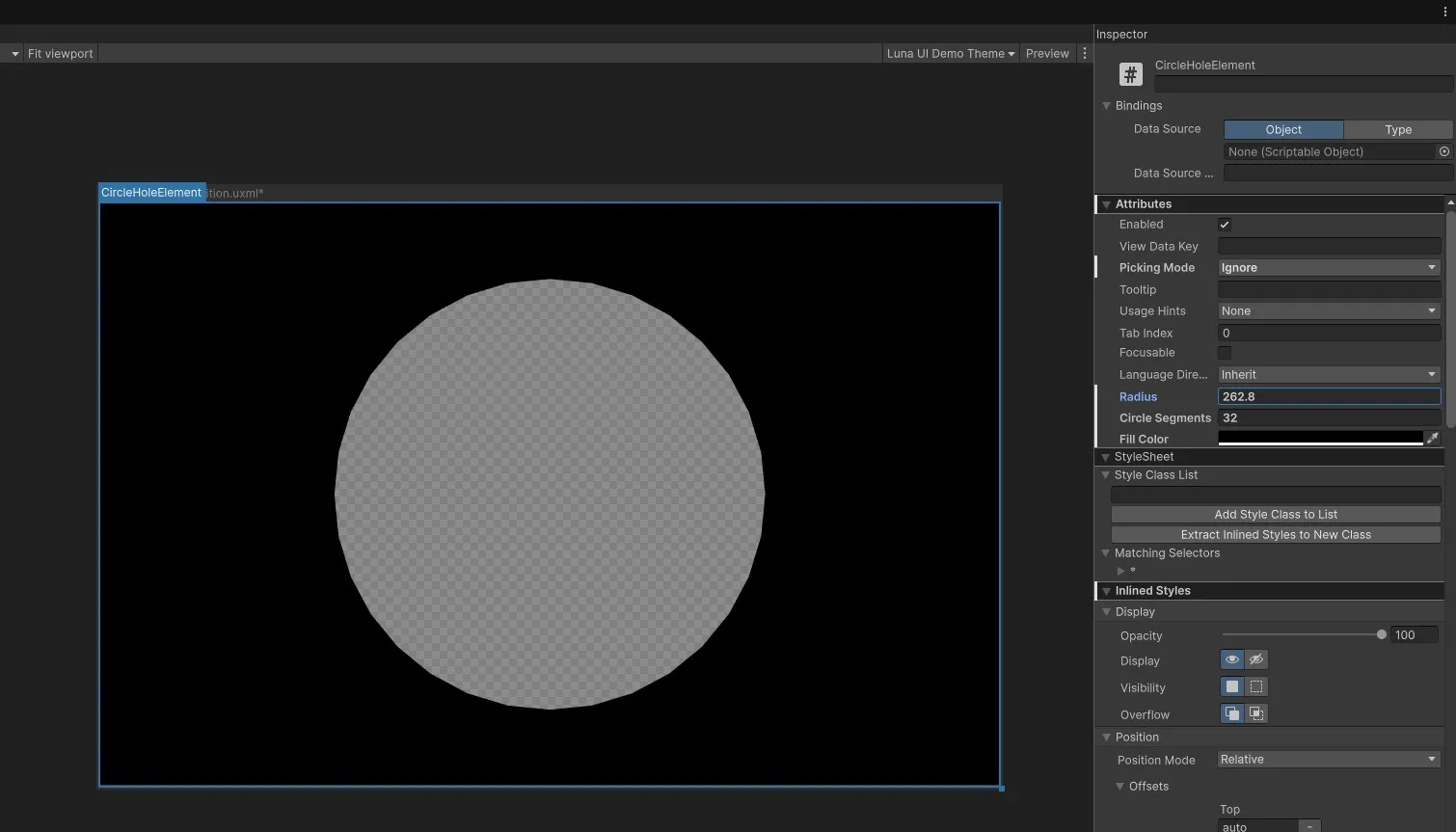
Setup
⚠️ Give it an explicit size. The element paints its own mask, so without dimensions there is nothing to draw into — for a screen transition, absolutely fill the panel:
<ui:UXML xmlns:ui="UnityEngine.UIElements" xmlns:luna="CupkekGames.Luna">
    <luna:CircleHoleElement name="screen-mask" radius="200" circle-segments="64"
                            fill-color="#000000FF" picking-mode="Ignore"
                            style="position: absolute; left: 0; top: 0; right: 0; bottom: 0;" />
</ui:UXML>
Animate Radius to drive a transition:
// Inside your PanelRenderer reload callback (PanelRenderer delivers the
// visual tree asynchronously — don't query in Awake/Start):
var hole = root.Q<CircleHoleElement>("screen-mask");

hole.Radius = 0;
hole.experimental.animation
    .Start(0f, 800f, 600, (e, v) => hole.Radius = v);
When Radius <= 0, the rectangle fills completely (no hole).
Inspector (UxmlAttributes)
| Attribute | Type | Description |
|---|---|---|
Radius | float | Hole radius in pixels (default 10). |
CircleSegments | int | Polygon segments approximating the circle. Higher = smoother (default 10). |
FillColor | Color | Color of the filled area outside the hole (default opaque black). |
See also
- CooldownWipe — pie-slice mask variant
- Loading view — uses circle-hole and SVG-mask scene transitions
Settings
Theme
Light
Contrast
Material
Dark
Dim
Material Dark
System
Sidebar(Light & Contrast only)
Font Family
DM Sans
Wix
Inclusive Sans
AR One Sans
Direction